

Press
Empose is an iPhone app that puts a see-through pose guide over your live camera, so people know where their hands, weight and chin go when someone takes their photo. Below: the facts, two descriptions you can quote and images you may use.
Updated
Facts
| Name | Empose (App Store: “Empose: Aesthetic Poses”) |
| Made by | Hakan Bayindir, Wittlich, Germany |
| Platform | iPhone, also runs on iPad (iOS 16.4 or later) |
| Launched | 24 August 2026 |
| Category | Photo & Video |
| Price | Free to download; using the app requires Empose Premium, a subscription. The price is shown in the app before purchase. |
| Poses | 160+ mannequin poses (standing, sitting, selfie, from behind and for two), new poses every week |
| Languages | 26 in the app |
| Contact | hello@empose.app |
Short description
Empose is an iPhone app that puts a see-through pose guide over your live camera: a mannequin that shows where your hands, weight and chin go, so you can line up and take the photo instead of guessing how to stand.
Longer description
Most people freeze when a camera points at them. Empose gives them a script: pick one of more than 160 poses, and a see-through mannequin appears over the live camera. You move, resize, rotate, flip or fade it until it fits the frame, step into it and take the photo. Every pose has three short steps and a camera tip, and the guide never ends up in the saved photo. Empose also suggests poses for the spot you are in, plans shoots for trips, weddings or dates, and can restyle a finished photo with AI Looks. It is made for people who want good photos of themselves without a photographer, and for the friends and partners who take them.
Images
You may use these images to write about Empose. Please don't alter the app icon or the wordmark.
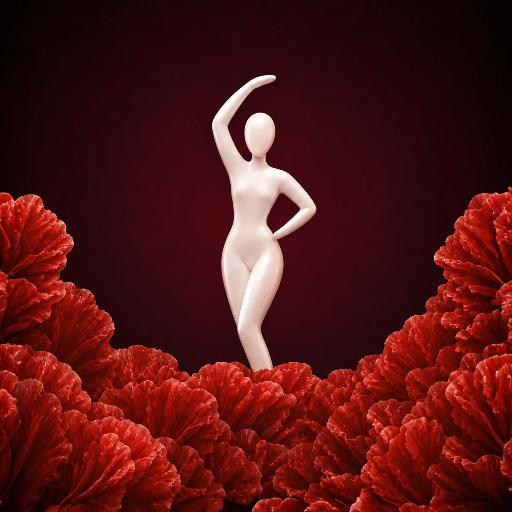
- App icon (PNG, 512 × 512)
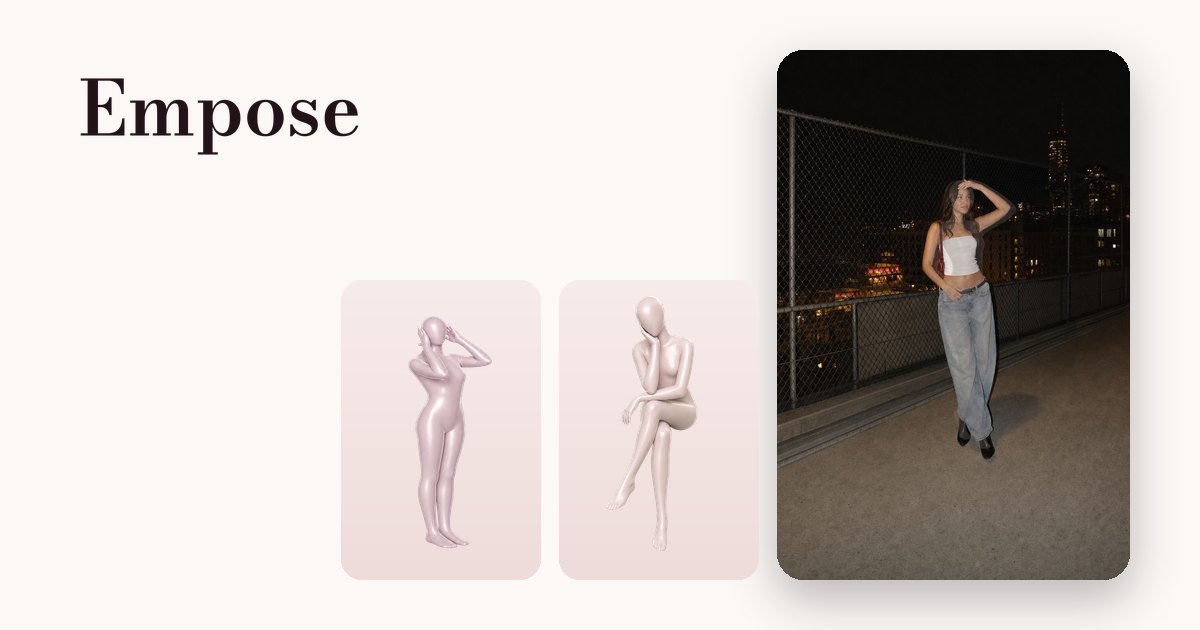
- Pose guide over a photo, with two mannequin poses (JPEG, 1200 × 630)
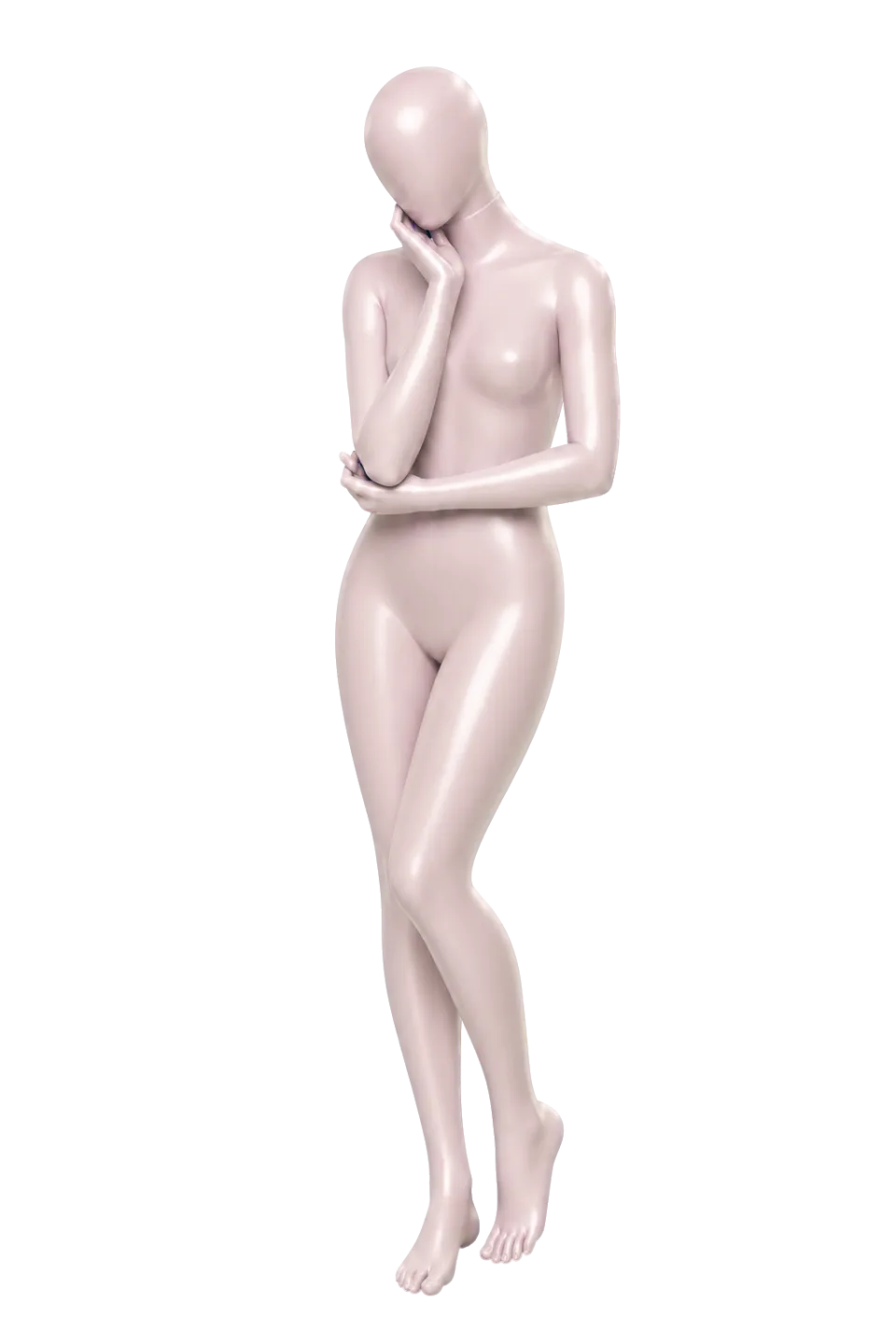
- Mannequin pose “Cute Tilt” (WebP, 960 × 1440)
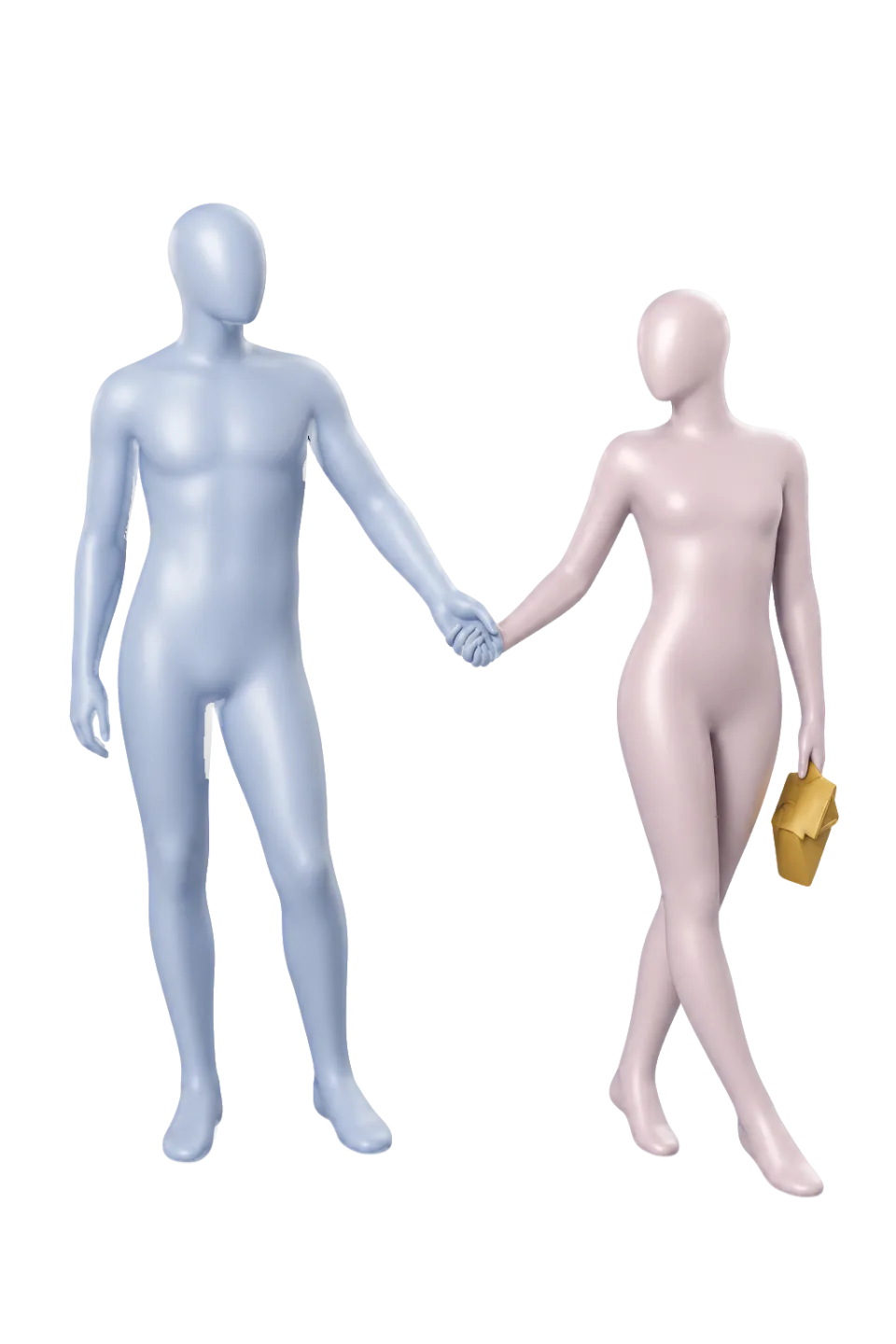
- Duo pose “Linked Hands” (WebP, 960 × 1440)
What Empose does not do
Empose doesn't detect or score your pose, and it doesn't rate faces or bodies. You line yourself up with the guide; the steps and the camera tip help.